⌘
Ctrl becomes ⌘
Copy, paste, cut, undo, save, find — Ctrl + letter behaves the way your hands expect.
KeyHabit brings Ctrl+C, Alt+Tab, Home/End and Windows-style scrolling to your Mac — in every app, with zero setup.
The muscle-memory layer
Every switch is on by default. Install KeyHabit, grant Accessibility access, and your fingers keep doing what they have always done.
Copy, paste, cut, undo, save, find — Ctrl + letter behaves the way your hands expect.
Hold both keys and release to cycle input sources, just like Windows. Add another key and the gesture cancels.
Wheel up moves the page up. Fine-tune the speed from 0.5× to 2.5× without losing small scroll ticks.
Delete moves files to the Trash. Ctrl + X / V cuts and moves files.
Switch apps, quit the foreground app, and cycle windows without relearning macOS combinations.
Ctrl + ←/→ moves by word. Home / End jump to the start and end.
Muscle memory, preserved
KeyHabit only rewrites the combinations that differ between Windows and macOS. Everything else stays untouched, including system shortcuts and the terminal.
Three minutes, once
No configuration file, no per-app profiles, no account. KeyHabit starts with the settings most Windows users want.
Grab the free trial, open the disk image, and move KeyHabit into your Applications folder.
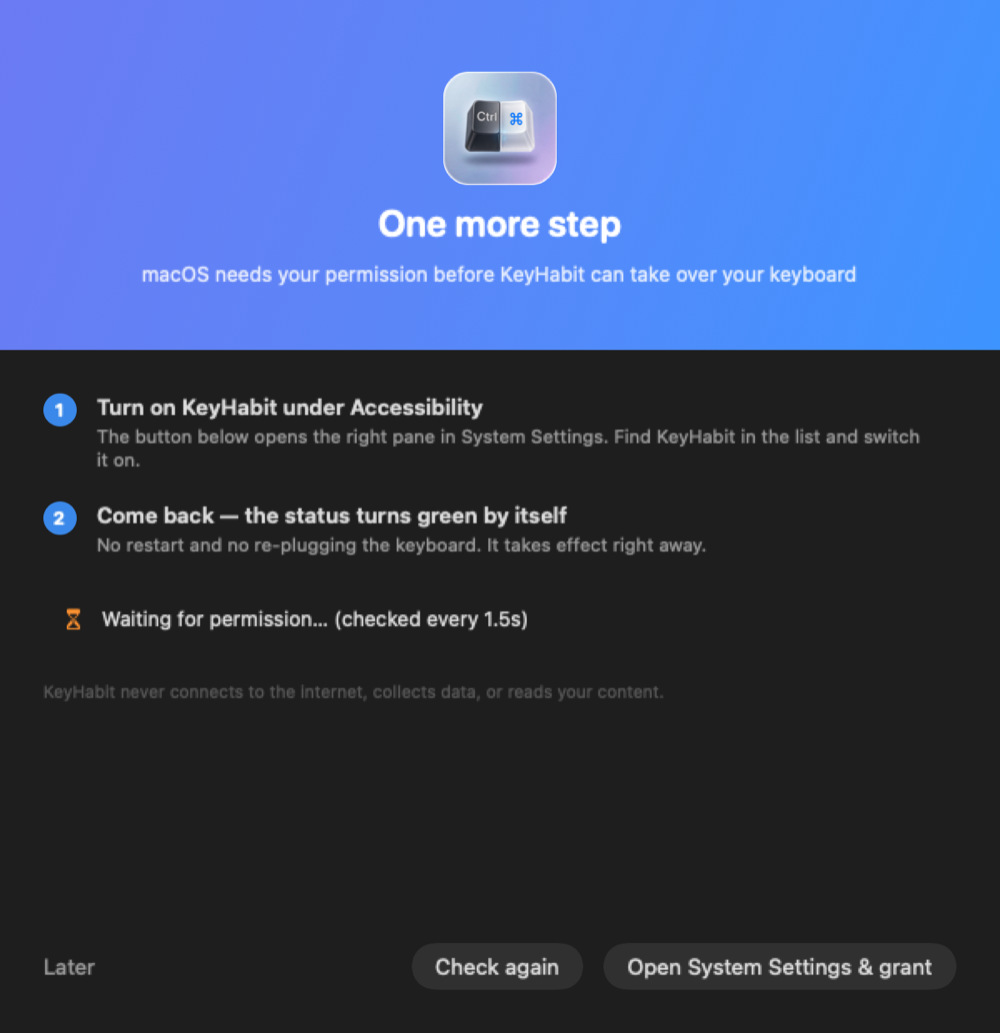
macOS requires permission to read and rewrite keyboard and scroll events. KeyHabit walks you through it.
Ctrl+C, Ctrl+V, Alt+Tab and the rest work immediately. The menu bar icon is always there if you need it.
Every switch, visible
The menu bar is the control room. Turn everything off in one click, adjust scroll speed, or add an app to the exclusion list.
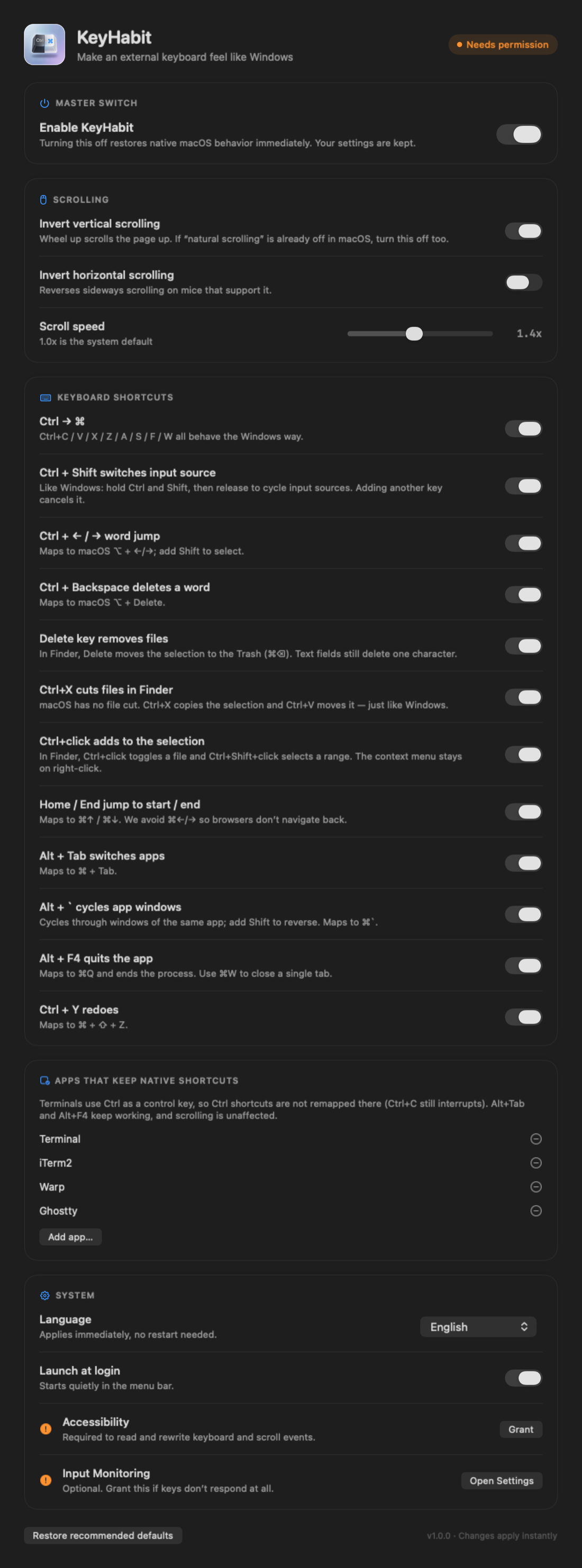
Shown with the mappings switched off and Accessibility access pending. A fresh install starts with every switch on.
Quiet by design
KeyHabit is a menu bar utility, not another window to manage. It does not read your content, require an account, or send telemetry.
The Dock icon appears only while a window is open. Closing it tucks KeyHabit back into the menu bar.
The master switch restores native macOS behavior immediately. Your settings are kept for next time.
Terminal, iTerm2, Warp and Ghostty keep Ctrl as a control key. Ctrl+C still interrupts.
The app does not collect data or send analytics. Activation is verified offline; the only network step is the optional redemption page.
Simple pricing
Use every feature during the trial. When it ends, buy once and keep KeyHabit for life. No subscription, no account.
A single purchase unlocks the full app on the Macs you use. The license does not expire, and version 1.x updates are included.
Already purchased? Redeem your license.
Questions
No. It reads the key code and modifier flags needed to remap a shortcut, then rewrites the event. It does not read text, clipboard contents, or window contents, and it does not send input data anywhere.
macOS only allows apps to observe and modify keyboard and scroll events after the user grants Accessibility access. KeyHabit opens the exact settings pane for you and detects the change automatically. Input Monitoring is optional and only needed if keys still do not respond.
Scroll inversion is global in version 1.0, so it affects the built-in trackpad as well as an external mouse. If you prefer native trackpad direction, turn off “Invert vertical scrolling” in the Scrolling card.
After 30 days you get a 3-day grace period. Then remapping stops, but your settings and license state are kept. Paste an activation code at any time and every feature resumes immediately.
macOS 13.0 or later on Intel or Apple Silicon. Any external keyboard that reports standard key codes works. If your keyboard sends media keys instead of F4, switch it to standard F-key mode first.
Your Creem receipt contains a license key. Open the redeem page, paste the key with the email address you used at checkout, and copy the activation code into KeyHabit → Settings → License. The app verifies the code offline.
Purchases are processed by Creem. Contact jianforge@gmail.com within 14 days of purchase and we will help with a refund. See the terms for details.
Ready when you are
Install KeyHabit, grant one permission, and keep using the shortcuts you have used for years.